
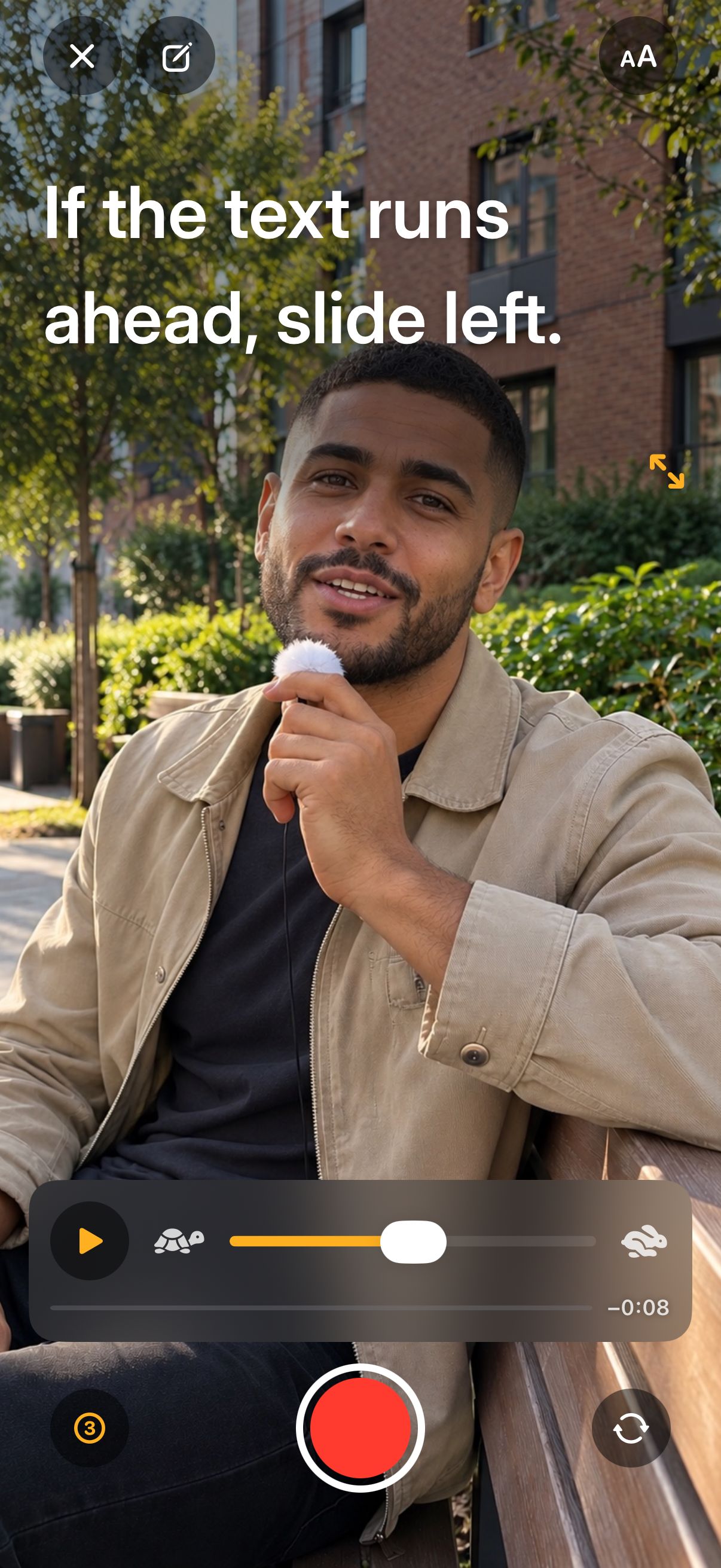
Set the speed
The slider sits next to Record. Nudge it mid-take.
- One slider, from a slow read to fast talk
- Bigger text keeps the same reading pace
- Works while the camera is rolling
Your script scrolls right under the camera, so you look at the viewer, not at your notes.

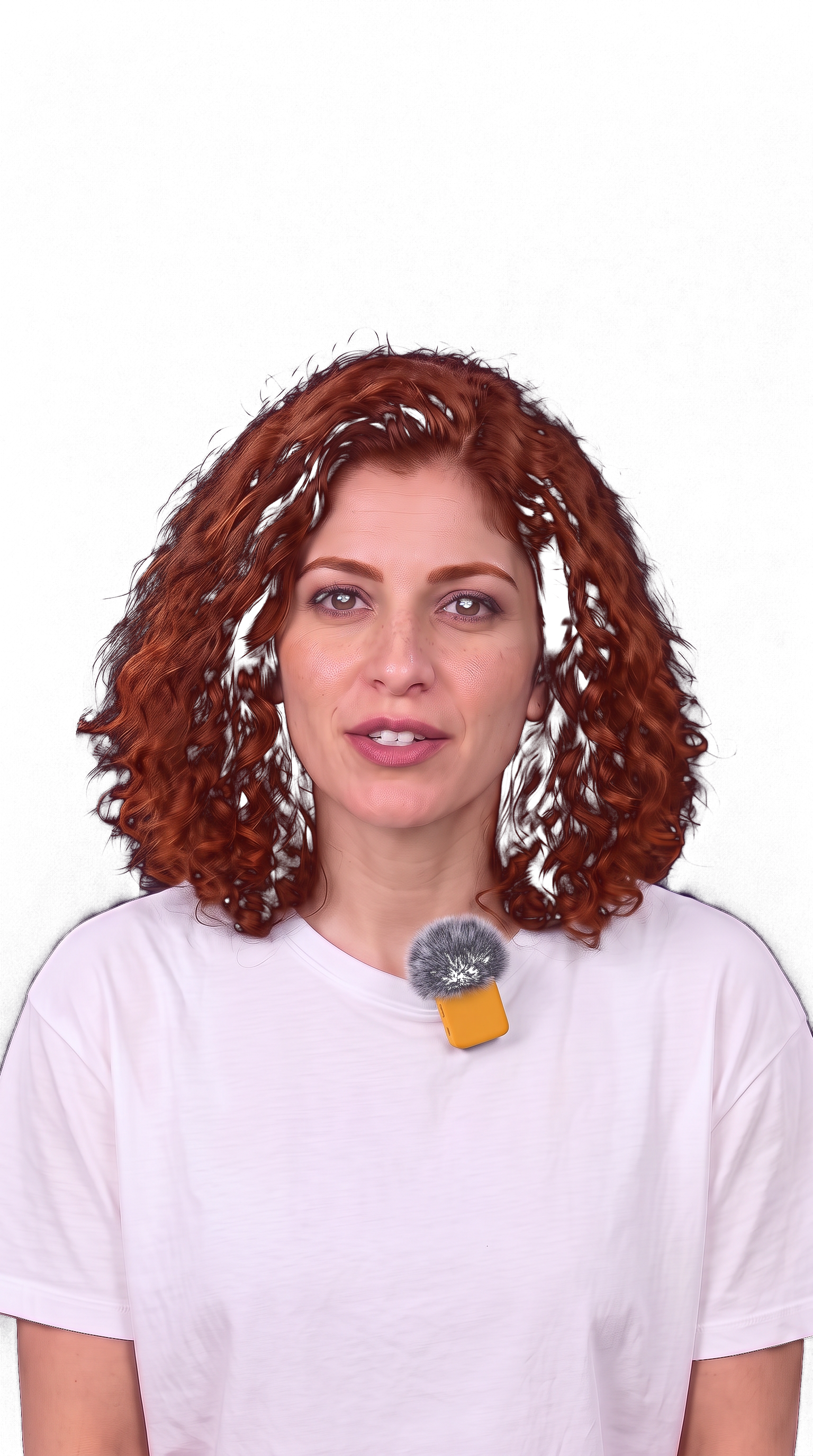
The line you’re reading stays up by the lens, and the script moves at the speed you set.
The slider sits next to Record. Nudge it mid-take.
Paste it, share it from any app, or open a Word file.
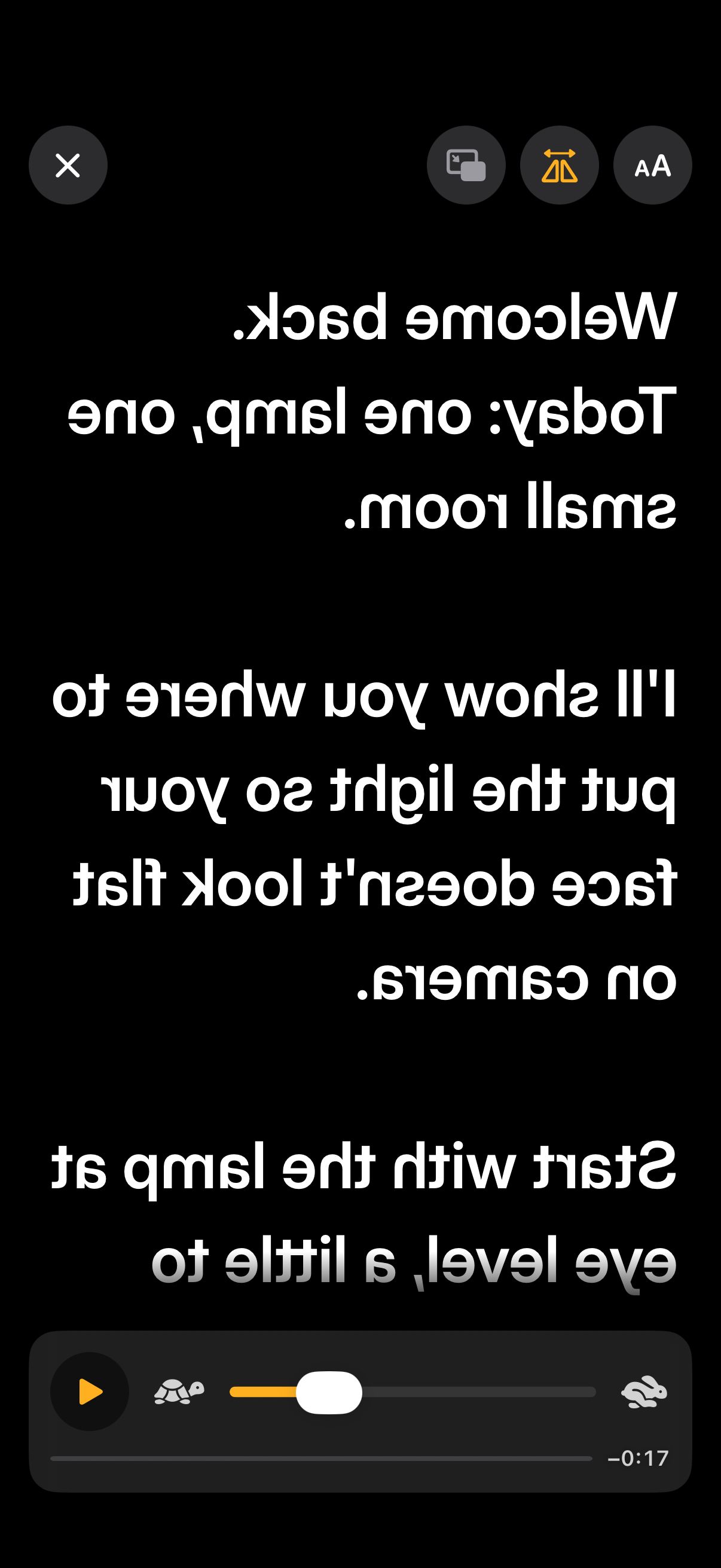
Mirrored text on black while another camera films.
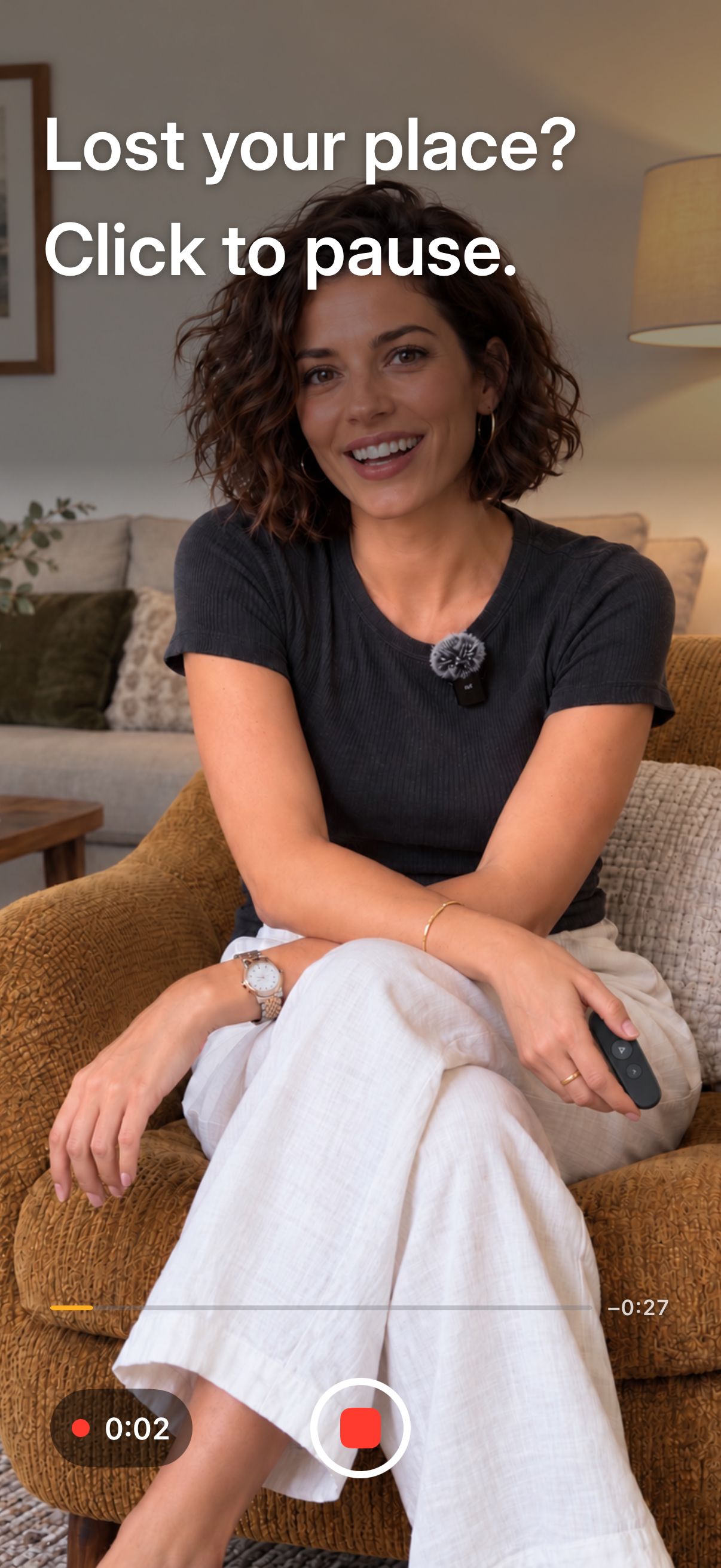
Play, pause and turn pages from a Bluetooth clicker.
Bigger text, a narrower column, a line marker. Try them.
$0
Record from the first launch.
$39.99 / year
$3.33 a month, billed yearly · or $7.99 monthly
No account to create. Scripts and videos stay on your iPhone.

Yes, with a monthly limit on saved videos. The first 5 are free, then you get 2 every month after that. Scripts are unlimited, and practice runs don’t count. Pro removes the video limit.
No. Videos from the free plan and from Pro come out clean, and you can save them to Photos or share them straight from the app.
Open the Settings app on your iPhone, tap your name, then Subscriptions, and pick AnyCue. If you bought Pro once for good, it never renews, so there’s nothing to cancel.
On your iPhone, inside the app. They aren’t uploaded anywhere. If you delete the app, they go with it, except videos you saved to Photos or shared.
No. You bring the script, and the app records you reading it. There’s no AI and no subtitles. The app speaks English, Spanish (Spain and Latin America), Brazilian Portuguese, German, French and Italian.